The School Laptop Goes Home. The Monitoring Can Stay On
District rules can permit screen viewing, search logging and remote control after a student leaves campus. The boundary is usually an administrator setting, not the front door.
August 11, 2026 · 8 min read
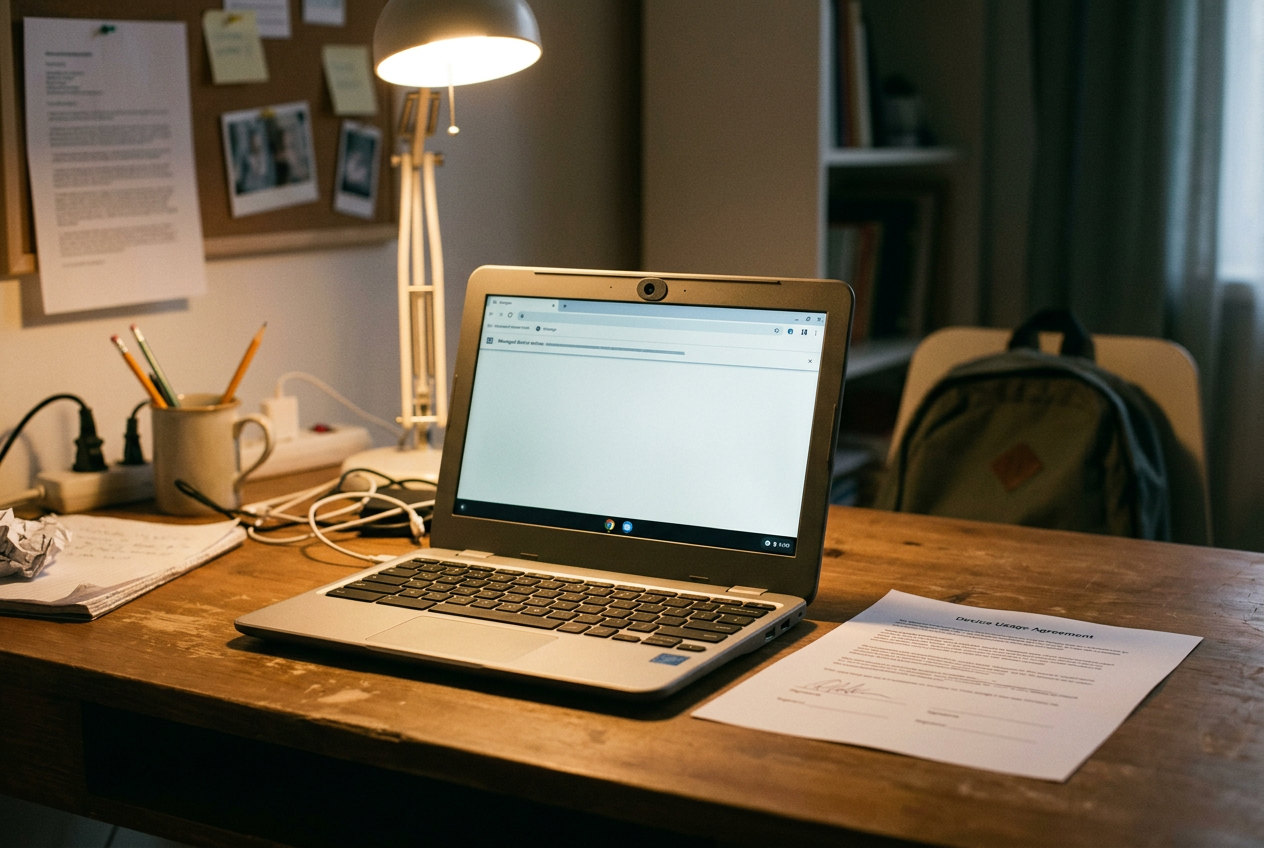
In 2010, a school-issued MacBook became evidence against the institution that owned it. Lower Merion School District in Pennsylvania had installed tracking software on student laptops, and staff activated it after classifying one machine as missing. The software captured images through the webcam while the computer was inside a student’s home.
The student, Blake Robbins, learned about the surveillance after a school administrator confronted him with an image taken by the laptop. Litigation and public reporting established that the district’s LANrev software included a feature called TheftTrack, which could collect webcam photographs and screenshots remotely. Lower Merion later settled litigation arising from the program and changed its practices.
That MacBook remains the useful object here. It strips away the soft language surrounding educational technology. A laptop can be a textbook, a classroom, a disciplinary record and a sensor owned by someone else. It can cross the threshold into a bedroom without shedding any of those functions.
Districts rarely describe the arrangement that plainly. Their acceptable-use policies speak about safety, maintenance, lawful use and protection of district resources. Vendor dashboards speak about engagement. The operative question sits underneath both documents: which controls keep working when the device closes the school Wi-Fi connection and opens a family’s home network?
The policy follows the asset
Publicly posted rules from large districts including Los Angeles Unified School District, Chicago Public Schools and New York City Public Schools vary in wording, but they share a basic structure. Students receive permission to use district systems under conditions set by the district, while the district reserves broad authority to monitor, inspect or retrieve activity involving its equipment and accounts. The student gets access. The institution keeps control.
Scope matters more than the familiar warning that users should have no expectation of privacy. A policy may cover activity on the district network, activity through a district account, use of district-owned equipment, or all three. Those categories overlap on campus. At home, they split apart.
A student can use a school Chromebook on private Wi-Fi while signed into a managed Google account. The browser may still route traffic through a district filter, and an extension installed by the administrator may continue reporting activity. A personal laptop logged into the same school account can expose account-level records without giving the school equivalent control over the machine. Policy language often compresses these separate channels into one phrase such as district technology resources, leaving families to reconstruct the perimeter from device agreements, privacy notices and vendor documentation.
The Lower Merion MacBook shows why ownership cannot settle the issue by itself. District property rights can justify inventory checks, software updates and recovery of a missing computer. They do not make every collection method proportionate, particularly when the computer is open inside a home and the people in view may never have signed the school’s agreement.
A search history has several owners
“Search history” sounds like one file that a student can delete. On a managed laptop, it is usually several records held in different places.
The browser may store visited pages locally. A school account may retain searches or web activity according to settings chosen by the administrator and user. A web filter can log requests made from the device, while an endpoint agent, software installed directly on the computer, can report activity even when the student is away from the school network. Classroom-management products can add open tabs, screen images and records of blocked pages.
Deleting local browser history touches only the local copy. Private or incognito mode may stop the browser from saving a conventional history on the device, but it does not blind a filter, account service or management extension that records traffic elsewhere. This is the gap between the privacy control a student can see and the collection system the district controls.
Vendor documentation makes the mechanism legible. GoGuardian describes tools that let authorized educators view student screens and tabs during configured classroom sessions, while its administrative products can filter and report web activity on managed devices. Lightspeed Systems documents filtering agents that apply school rules beyond the campus network and classroom tools that expose device activity to teachers. Both companies give administrators settings that shape schedules, user groups and access.
The district policy supplies permission. The vendor console supplies reach. Neither document alone tells a family what happened on a particular Tuesday night.
Los Angeles, Chicago and New York publish acceptable-use or internet-use rules that reserve monitoring authority in broad terms, but a reader looking only at those pages will not necessarily learn which product is installed, whether a teacher can initiate a screen-viewing session after school, how long web records remain available, or which staff roles can retrieve them. Those answers live in local configurations and contracts. The decisive terms of service may be a set of checkboxes the student never sees.
Remote access is not one power
Remote access can mean several different things, and collapsing them protects the institution from scrutiny. Mobile device management, usually shortened to MDM, lets an administrator configure, lock, update or erase a managed computer. Classroom software may let a teacher view a screen, close a tab or open a website. Remote-support software can allow interactive control when technical staff troubleshoot a machine.
These functions carry different risks. A remote wipe threatens the student’s files. Screen viewing reveals messages, drafts and whatever else shares the display. Interactive control lets another person move through the machine.
District policies often authorize maintenance and monitoring without mapping each verb to a named employee, a defined purpose and a visible record.
Modern platform documentation draws an important line around cameras. Google’s Chrome management controls and Apple’s device-management framework allow administrators to restrict or disable camera use. That administrative power is not the same as a built-in right to open a live camera feed. Remote webcam capture requires software capable of requesting or exercising that access, as Lower Merion’s TheftTrack did.
The distinction is reassuring only up to a point. A policy that says the district may monitor a device does not prove that staff can activate its camera. A vendor statement that its classroom product does not use webcams does not account for every extension, recovery tool or remote-support package installed beside it. The defensible standard is a public inventory of capabilities, not an invitation to trust whichever product name appears on the login screen.
Return to the MacBook. Its webcam was presented as an anti-theft feature, which shifted an extraordinary surveillance power into the ordinary administrative category of asset protection. That is how overreach often survives procurement: the capability arrives attached to a legitimate task, then weak access controls and vague policy allow the task to expand.
Off campus is a software setting
The physical boundary between school and home has little technical force. A filtering agent installed on a district laptop can operate anywhere the device reaches the internet. A cloud-managed extension receives instructions from the vendor’s servers, not from the school building. Administrators can configure monitoring by time, organizational group or device status, but the existence of a schedule does not guarantee that a district has chosen a narrow one.
Some classroom products provide out-of-school modes or limits intended to prevent teachers from viewing screens beyond assigned periods. Those controls matter. They are still controls administered by the same institution doing the monitoring, and families may have no independent way to verify the active schedule.
Federal law helps explain the institutional incentive without justifying the full apparatus. The Children’s Internet Protection Act ties certain federal connectivity support to internet safety policies and filtering of specified visual material. It does not require schools to watch live student screens at home, collect comprehensive browsing histories or activate cameras. Vendors can nevertheless sell broader monitoring as the convenient way to satisfy filtering duties, manage classrooms and identify safety risks through one dashboard.
The same procurement can therefore cover compliance, discipline, cybersecurity and student-wellness alerts. Each purpose brings another group of authorized adults and another reason to retain data. Costs also migrate. Schools pay licensing and administrative expenses; students pay in private space, mistaken alerts and the knowledge that an unfinished search can become institutional evidence.
Privacy law does not produce a clean national rule. The Fourth Amendment constrains public schools, while education-record and children’s privacy laws govern particular records, actors and data practices rather than creating a general ban on device monitoring. State laws and district contracts add more variation. A student’s practical protection often depends on whether the district wrote narrow settings before a problem, not whether a family can challenge the collection afterward.
The alternative is not to abandon managed devices. Districts can disable off-hours screen viewing, separate web filtering from behavior monitoring, publish retention periods, log every staff access, require documented authorization for remote control and ban camera activation in policy as well as software. They can also provide families with the vendor list and configuration summary before the laptop enters the home.
Lower Merion’s MacBook made its hidden control visible only after the camera had collected the image. A serious policy would make the control visible first.
Questions people ask
Can a school see a student’s search history at home?
It can when a school account, filtering service or device-installed agent records activity away from campus. Clearing browser history or using private mode may remove local traces, but it does not erase logs already sent to a district-controlled service or vendor dashboard.
Can school staff turn on a laptop camera remotely?
Standard device-management controls can enable or disable camera use, but that does not automatically give staff a live feed. Remote capture requires software with that capability and permission. The Lower Merion case demonstrated that such software has existed, which is why districts should publish explicit camera prohibitions and product inventories.
Can teachers watch a student’s screen after school?
Some classroom-management products can operate off campus, although districts may restrict sessions by schedule, class or user role. The product’s technical capability and the district’s active configuration are separate facts; an acceptable-use policy rarely reveals the exact hours when screen viewing is available.
Why do schools monitor devices outside the building?
Districts cite filtering obligations, cybersecurity, device recovery, classroom management and student safety. Those purposes do not require identical levels of access. Web filtering can continue without live teacher screen viewing, and asset management can work without a camera collecting images inside a student’s home.
One update a day
Today's story, in your inbox
One story each morning — no hype, no filler, no algorithm deciding for you.