YouTube’s Altered-Content Label Fades Outside the Watch Page
Creators disclose realistic synthetic media during upload. Viewers usually get a line in the expanded description, a design that weakens as the video moves into embeds and clips.
August 18, 2026 · 8 min read
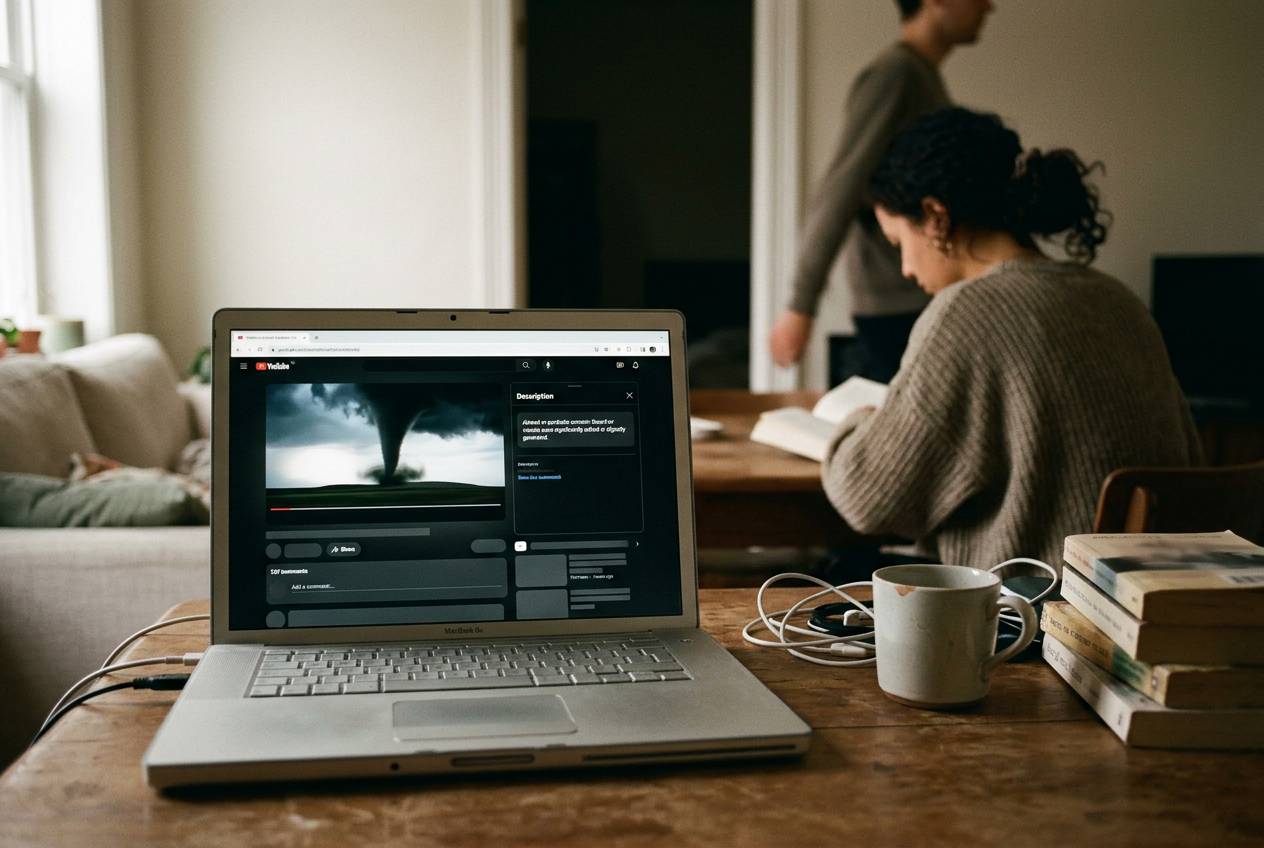
Use YouTube’s own kind of example: a realistic synthetic video showing a tornado moving toward a real town. It looks like local footage. Nothing in the image announces that the event did not happen.
The creator uploading that tornado is supposed to answer YouTube’s altered-content question. The viewer watching it usually has to open the description and find a disclosure there. If the same footage reaches someone through an embedded player or a Clip, the path to that information narrows further.
That journey matters more than the existence of the label. YouTube has built a disclosure system around the source upload while videos circulate through surfaces that strip away, collapse or subordinate the source upload’s context. The platform can say the information is attached. That does not mean the audience sees it.
The disclosure begins as an upload setting
YouTube asks creators to disclose content that has been meaningfully altered or synthetically generated when it appears realistic. Synthetic content means sound or imagery generated rather than directly recorded. The rule covers a real person made to appear to say or do something they did not, footage of a real event or place altered in a consequential way, and realistic scenes depicting events that never occurred.
The synthetic tornado qualifies. So would an edited video that makes a real building appear to be on fire, or a generated voice that imitates another person. YouTube’s test is concerned with whether a reasonable viewer could mistake the material for a real person, place, scene or event, rather than whether generative software touched the file at any point.
During upload, the creator answers the altered-content question in YouTube Studio. Selecting yes attaches disclosure information to the video. Material made with some of YouTube’s own generative tools can receive a disclosure automatically, according to the platform’s documentation, which removes the decision from the creator for that narrow set of tools.
Everything else depends heavily on self-reporting. YouTube says it may apply a label itself when a creator fails to disclose, and repeated failures can lead to penalties including content removal or suspension from the YouTube Partner Program. The documentation does not turn every upload into a forensic examination. A creator answers a question; YouTube reserves the right to disagree later.
That arrangement works for YouTube. The company says disclosure does not by itself reduce a video’s audience or eligibility to earn money, which gives compliant creators less reason to hide the alteration and lets YouTube avoid treating synthetic production as an automatic moderation offense. Ads can continue. Uploads can continue.
The label carries the informational burden.
On the watch page, the label waits behind a click
For an ordinary disclosed video, YouTube places the notice in the expanded description, within a section explaining how the content was made. The wording tells viewers that sound or visuals were significantly edited or digitally generated. It does not provide a production log.
On a standard watch page, this means the viewer generally has to look below the player, open the description and read far enough to notice the disclosure. The title, thumbnail and opening seconds have already done their work. The warning is available, but availability is a weak standard for a platform whose recommendation system can move a video between audiences faster than its context travels.
YouTube may place a more prominent notice in the player for sensitive subjects such as health, news, elections or finance. The wording matters: may. A synthetic tornado aimed at a real town could concern a breaking event or public safety, making the distinction between a description label and an in-player notice consequential, but the creator’s disclosure does not guarantee that every viewer receives the prominent version.
The two placements perform different jobs. A player notice interrupts viewing. A description disclosure documents the upload for anyone motivated enough to inspect it. Treating them as versions of the same safeguard flatters the weaker one.
Mobile layouts make this more obvious. The video, title, channel controls, engagement buttons and recommendations compete for the first screen. Description information sits behind another action. A disclosure designed for inspection will lose to a feed designed for continuation.
No deception is required. Most viewers are doing what the interface trained them to do.
The embed keeps the video and loses the surrounding record
An embedded YouTube player is the version placed inside another website, forum post or publishing system. It carries the playable video and a limited set of YouTube controls, not the full watch-page description as part of the ordinary viewing frame.
If the tornado’s disclosure lives only in that expanded description, the embed separates the image from the place where YouTube rendered its provenance. A viewer may be able to click through to YouTube and inspect the source page. That is an exit route, not a visible warning.
A prominent in-player label has a better chance of surviving because it belongs to the player rather than the surrounding page. YouTube’s public documentation, however, does not promise that every disclosure will become an in-player notice or describe the ordinary description label as an embed-level feature. The practical hierarchy is clear: the strongest presentation is discretionary, while the routine presentation depends on watch-page furniture that an embed does not carry.
This is where the platform’s framing becomes slippery. YouTube can attach disclosure metadata to a video without ensuring equivalent disclosure at every point of playback. Metadata is information stored with a digital object. Visibility is a product decision.
The first does not produce the second by itself.
Publishers embedding a video can add their own caption or warning. Many will not, especially when the embed arrives through aggregation, a hurried post or a page assembled to capture search traffic. YouTube still supplies the stream and may still sell or share revenue from advertising around eligible playback, while the host inherits the work of restoring context.
A Clip inherits footage, not a new disclosure decision
A YouTube Clip is a shareable excerpt cut from an existing eligible video. It is not a fresh upload, so the person making the Clip does not receive a separate altered-content question for the selected passage.
That makes sense at the database level. The Clip points back to the source video. It also creates a predictable failure at the level where people encounter media: someone can isolate the synthetic tornado’s most convincing seconds, give the excerpt a new sharing context and circulate it without repeating the source description beside the moving image.
The underlying disclosure has not been deleted. It remains attached to the original upload. Yet a viewer encountering the excerpt must recognize that more context exists, move toward the source and inspect the relevant information. Each step is optional.
The image is immediate.
Clipping can also remove whatever informal disclosure appeared inside the video itself. A creator might explain the alteration before or after the selected segment, but the Clip can begin once the explanation ends. YouTube’s formal label is supposed to solve that dependence on creator narration. Housing the routine label outside the player gives clipping another route around its practical effect.
YouTube does not need to ban Clips from altered videos. It could place the source video’s disclosure directly on the Clip page and in the Clip player, without waiting for the sensitive-topic threshold. That would preserve the distinction between disclosure and punishment while making the disclosure follow the footage.
The label does not mean “made with AI”
The largest misunderstanding is categorical. YouTube’s label is not a general AI-content tag.
The platform says creators do not need to disclose generative assistance used for scripts, titles, thumbnails, captions or production planning. Minor visual corrections, beauty filters, background blur, color adjustments and other edits that do not create a realistic false event can also sit outside the requirement. Clearly fantastical or unrealistic generated scenes generally do not need the label either.
Some voice uses receive different treatment. Cloning another person’s voice for realistic narration requires disclosure. YouTube’s documentation exempts cloning one’s own voice for voiceovers or dubbing. The distinction follows the risk of mistaken identity, not the amount of synthetic production.
This leaves a broad portion of AI slop outside the label’s practical meaning. A channel can automate ideation, scripts, narration, images and editing while producing material too stylized, generic or visibly unreal to trigger the realistic-alteration rule. Its videos may be synthetic from end to end without displaying YouTube’s altered-content notice. Conversely, a short conventional video with one convincing false event should carry it.
The label therefore answers a narrow question about realistic representation. It does not certify truth, identify the software used, specify which seconds were changed, establish consent, resolve copyright or tell viewers how much human labor entered the production. Reading it as an AI detector gives the platform credit for work the system was not built to do.
The tornado returns here. A photorealistic false tornado requires disclosure because viewers could take it as evidence of an event. A lurid animated tornado assembled by an automated channel may not. The second video can still pollute search results, collect advertising revenue and displace reporting, but those are recommendation, monetization and quality-control problems.
YouTube has chosen not to pack them into this label.
Questions people ask
Where does YouTube show the altered-content label?
YouTube usually places it in the expanded description on the video’s watch page, under information about how the content was made. For sensitive subjects, the platform may show a more prominent notice in the player, but its documentation does not promise that treatment for every disclosed upload.
Does the label appear on embedded YouTube videos?
A disclosure housed in the watch-page description is not part of the ordinary embedded-player frame. Viewers can click through to YouTube to inspect the source page, while a discretionary in-player notice may be more visible. The public documentation does not guarantee equivalent disclosure across every embed.
Does every
AI-generated YouTube video need disclosure?
No. YouTube focuses on realistic synthetic or consequentially altered material that viewers could mistake for a real person, place, scene or event. Production assistance, minor edits and clearly unrealistic generated material can fall outside the requirement, even when AI shaped most of the finished video.
What happens when someone makes a Clip from a disclosed video?
The Clip remains tied to the source upload rather than becoming a new upload with its own disclosure choice. Viewers may need to move from the excerpt to the original video and open its description, unless YouTube has placed a more prominent notice directly in the player.
One update a day
Today's story, in your inbox
One story each morning — no hype, no filler, no algorithm deciding for you.