Dating Apps Need Proximity, Not Your Exact Location
A dating app can sort people nearby without publishing a live ruler between bodies. Here is how to test what your apps collect, display and keep updating.
August 14, 2026 · 8 min read
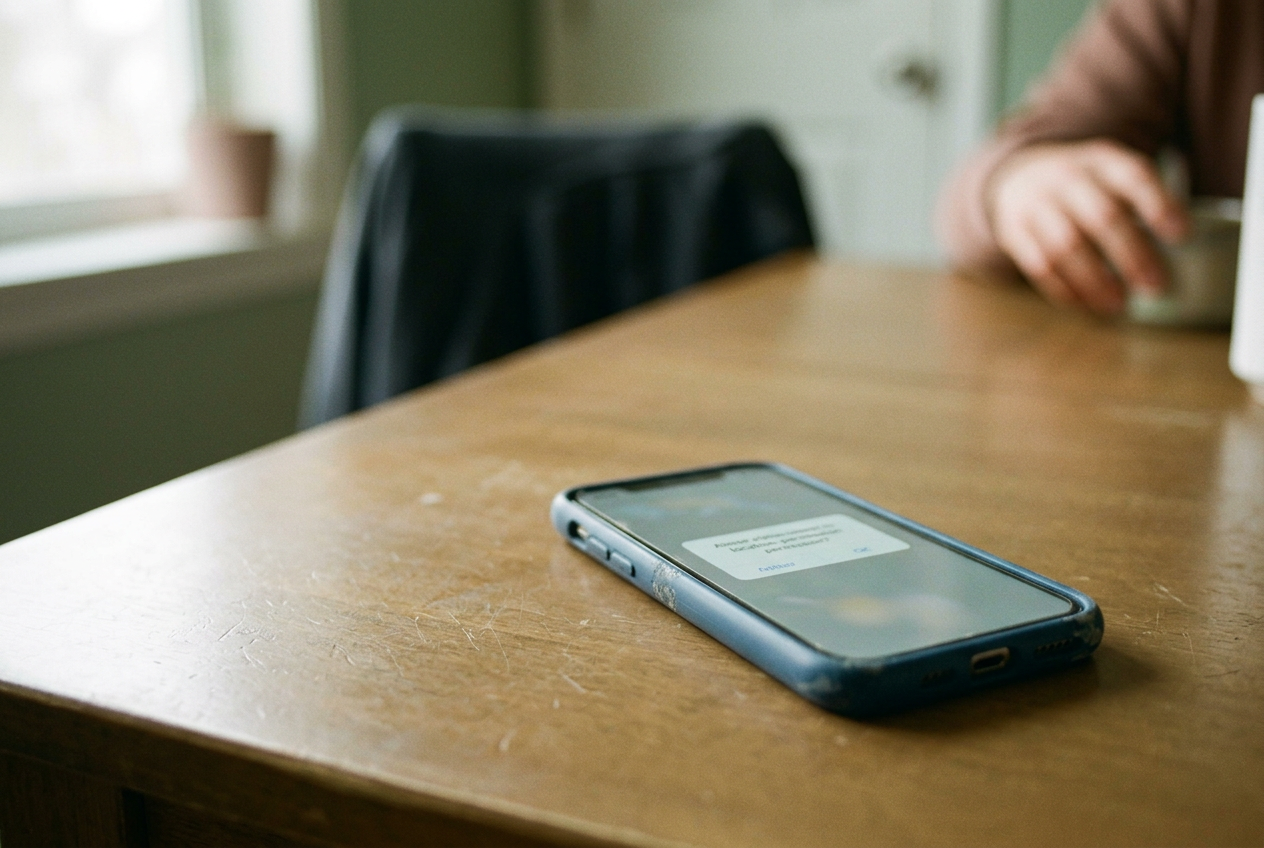
Put one phone in a scuffed blue silicone case on the kitchen table. That is the anchor for this test: a device staying still, under your control, with no stranger turned into an experiment. You need an existing account, a consenting person who can view your profile where the app permits it, and about half an hour for each app you use.
Do not create deceptive profiles, spoof GPS coordinates, automate requests or move around trying to locate another user. The point is to audit what an app reveals about you. This is reporting and a harm-reduction walkthrough, not professional security, legal or safety advice.
I used the same basic evaluation for major dating platforms including Tinder, Bumble, Hinge, Grindr, HER and Feeld, while treating each app’s interface as temporary. Labels, subscription gates and controls change across operating systems, app versions and regions. The useful finding was not that one menu deserves a gold star. It was that three separate systems are routinely collapsed into one vague promise that someone is “nearby”: the phone’s location permission, the app’s internal use of that location and the distance shown to other people.
Those systems do not need the same precision. Platforms often behave as if they do.
Start with the permission, not the profile
Open the phone’s system settings before opening the dating app. On iOS and Android, location access may be denied, restricted to app use or allowed more broadly, while a separate precise-location control may let the operating system provide a less exact position. Names and placement vary. Record what your phone offers rather than relying on an app’s help page, which may describe an older interface or omit what happens after permission is granted.
“Precise location” means the operating system can provide coordinates derived from sources such as satellite positioning, nearby Wi-Fi networks and cellular signals. An app can request those coordinates, but the permission screen does not tell you how often the company reads them, how long it retains them or which internal systems receive them.
Leave the blue-cased phone on the kitchen table and note the starting condition in plain language: precise access on or off, access limited to use or allowed in the background, and whether the app opens after access is denied. Do not copy coordinates. You are testing product behavior, not producing a map of your home.
Now open the app and look for its own location, discovery and privacy controls. A switch labeled “hide distance” usually governs what other users see. It does not necessarily stop the platform from collecting location. Pausing discovery may remove a profile from recommendation surfaces while leaving account data intact.
Incognito or travel modes can change visibility or matching location, sometimes behind a subscription, but neither label proves that background collection has stopped.
This distinction is the first practical result. A display control is not a collection control.
Test the ruler without measuring strangers
The cleanest display test uses your own profile and a person who has agreed to participate. Ask them to record only the wording attached to your profile: an exact distance, a rounded distance, a broad area or no distance at all. They should not inspect anyone else for comparison, retain profile screenshots or repeat observations after the test ends.
Begin with the phone still on the table. Open the app once, let the profile load, then close it according to the operating system’s normal behavior. Your consenting tester checks what appears. Change one variable only: turn precise location off while leaving ordinary location access available, if the phone offers that option.
Reopen the app and repeat.
Next, revoke location access. Some apps may refuse to load nearby recommendations; others may show cached profiles, meaning results stored from an earlier session, or continue presenting a location previously saved by the service. A stale grid can look functional even though it says little about what the app currently knows. Note whether the app identifies the information as old.
Most do not make staleness especially elegant. Freshness is part of precision, and platforms tend to discuss it less than the permission prompt.
The final check happens during a normal trip to a familiar public place, not a route designed around another user. Take the blue-cased phone to the grocery store with precise location disabled, open the app once if doing so is comfortable, then return it to the kitchen table. Ask the consenting tester whether your displayed area or distance changed, roughly when it changed and whether it later snapped back.
You are not trying to calculate the app’s error radius. You are looking for behavior a normal person can understand: immediate updates, delayed updates, broad bands, fixed labels or no visible distance. Stop if the test exposes your home, workplace or routine more clearly than expected.
“Nearby” is a product decision
A dating service does not need to print the coordinates it receives. Its server can calculate proximity, sort profiles into distance bands and discard or restrict the underlying location. It can show “nearby,” “within a few miles” or a neighborhood-scale area without handing every viewer a frequently refreshed ruler.
The dangerous mechanism appears when precise distance combines with repeated observation. Trilateration is the estimation of a position from distance measurements taken at several known points. A dating app does not need to show a map pin for this to become a concern; a persistent person can move, refresh and watch a distance number rise or fall. Rounding helps, but frequent threshold changes can still reveal movement, especially in a sparsely populated area or a small community where profile details already narrow the field.
Distance is also identifying through context. A broad label may be enough to expose someone at a rural address, a small hotel, a shelter or the only late-night venue in town. For queer users in hostile settings, the difference between city-scale proximity and building-scale proximity is not cosmetic. It can determine whether opening an app announces presence in a room.
Useful proximity therefore has two dimensions: spatial precision and update speed. An app can reduce risk by using wider bands, delaying refreshes, setting a minimum displayed distance and preventing repeated queries from turning rounded output into a tracking instrument. None of those changes ruins local matching. They make the product slightly less gratifying to someone who wants the grid to behave like radar.
Read the results in layers
If approximate permission still produces relevant local profiles, you have established the main point. The app can provide useful proximity without receiving the phone’s best available location. Keep the less precise setting unless a feature you value genuinely fails, and retest after updates because permissions can remain stable while product behavior changes.
If the app requires precise location, document the demand without assuming necessity. Fraud detection and regional availability may require some location processing, but that does not explain why another user needs a granular distance or why a dating service needs continual background access for ordinary browsing. Collection for internal security and disclosure to nearby strangers are different decisions. A platform that merges them has chosen convenience for itself.
If hiding distance removes the number but location access remains active, treat that as reduced exposure, not invisibility. Check whether your neighborhood, city label or ordering within a nearby grid still changes promptly. Recommendation order itself can leak proximity when profiles repeatedly rise as people approach, although a single manual test cannot prove how any ranking system weighs distance.
If denying permission leaves an old location attached to the account, look for an in-app method to update, pause or remove it before assuming the system has forgotten. Deleting the app from a phone does not delete an account or necessarily erase server-held data. Account deletion, data deletion and uninstallation are separate actions, because platforms have spent years benefiting from users treating them as synonyms.
The business prefers a responsive map
Dating apps sell access to a market of nearby attention. Location makes that market feel populated and immediate, while frequent refreshes encourage checking, swiping and returning. Some platforms also sell travel, incognito or visibility controls through subscriptions, turning control over exposure into a premium feature rather than a safety baseline.
That incentive does not require a conspiracy. A responsive distance display looks active, and activity supports engagement. The stalking risk lands elsewhere: on the person whose movements can be inferred, the friend helping them document harassment, or the venue forced to manage someone who used a dating grid as a directory.
The better standard is data minimization, meaning a service collects and retains only what a defined function requires. A platform may need enough location to rank a user within a broad local pool. It does not follow that the company needs a long-lived trail, that the app should update while closed or that another user should receive a changing measurement. Each extra layer needs its own justification.
Finish the test where it began. Put the blue-cased phone back on the kitchen table, leave precise location off if the app remains usable, and write down which controls affected collection, visibility and freshness. Three lines are enough. The absence of a distance number is not proof of privacy, but it is still better than carrying a live ruler in your pocket.
Questions people ask
Does a dating app need my precise location to show nearby matches?
Usually, useful local matching can work with an approximate position or a location converted into a broad area. A particular app may require precise access for its chosen design, fraud controls or regional rules, but that product requirement is not proof that exact coordinates are technically necessary for showing a local pool.
Does hiding my distance stop the app from tracking location?
Not necessarily. Hiding distance can change what other users see while the company continues receiving or storing location for ranking, moderation or other internal functions. Check the phone-level permission separately, then test whether the app remains usable with precise access disabled or location access limited to active use.
Can someone find me from a rounded distance?
Rounding reduces precision but does not eliminate inference. Repeated observations, quick updates and contextual clues can narrow a location, especially where few people or buildings fit the displayed area. Never test this against strangers; audit only your own profile with a consenting participant.
What is the safest useful setting?
Start with approximate location and access limited to periods when the app is in use, then disable any public distance display if the option exists. The safest workable setting depends on your circumstances and the app’s behavior, so retest after major updates and seek specialist support if you face stalking or targeted harassment.
One update a day
Today's story, in your inbox
One story each morning — no hype, no filler, no algorithm deciding for you.